Explore
The iX starter apps help you create a new project with ready-to-use layouts, example pages, and Siemens iX packages for your preferred framework.
- Scaffold a starter app with
degitwithout cloning the full repository history - Explore the hosted preview for your desired framework
- Start building in your IDE with the framework-specific setup already in place
Preview
You can view the React starter app to explore the starter experience.
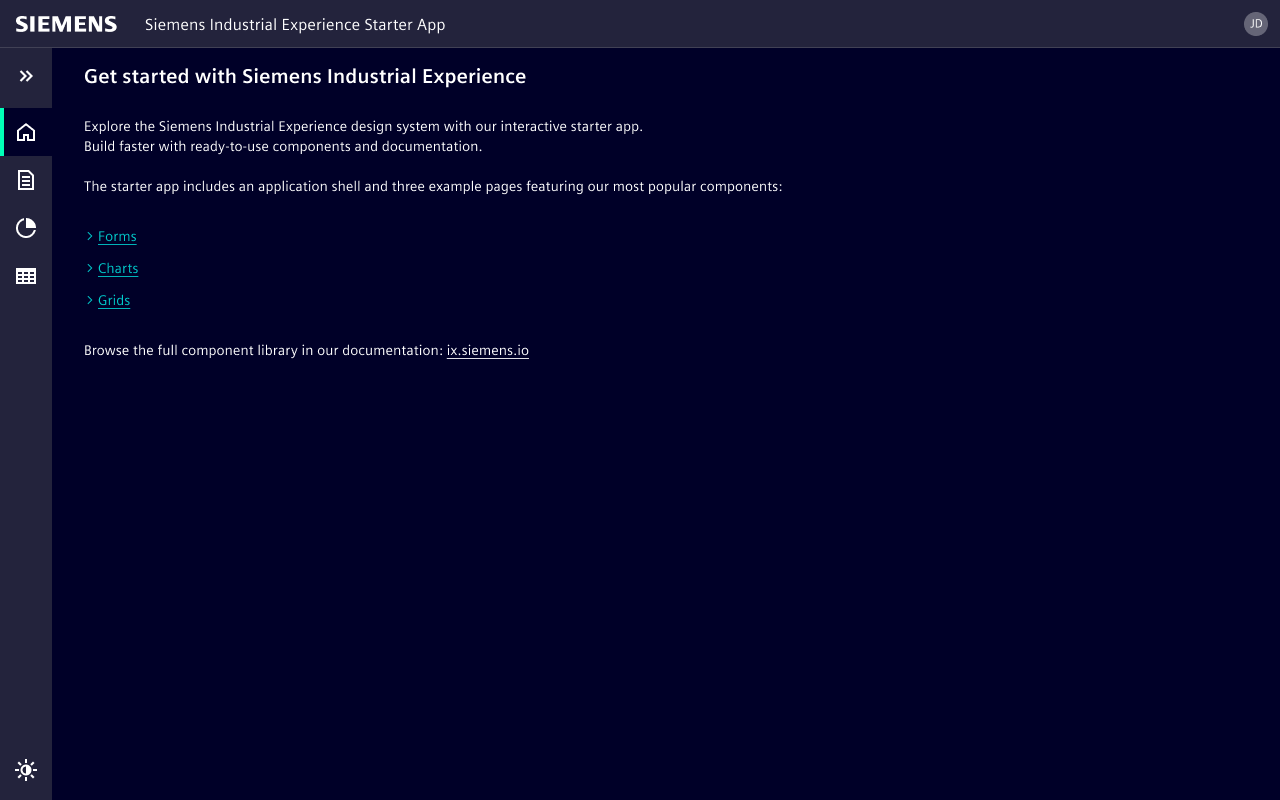
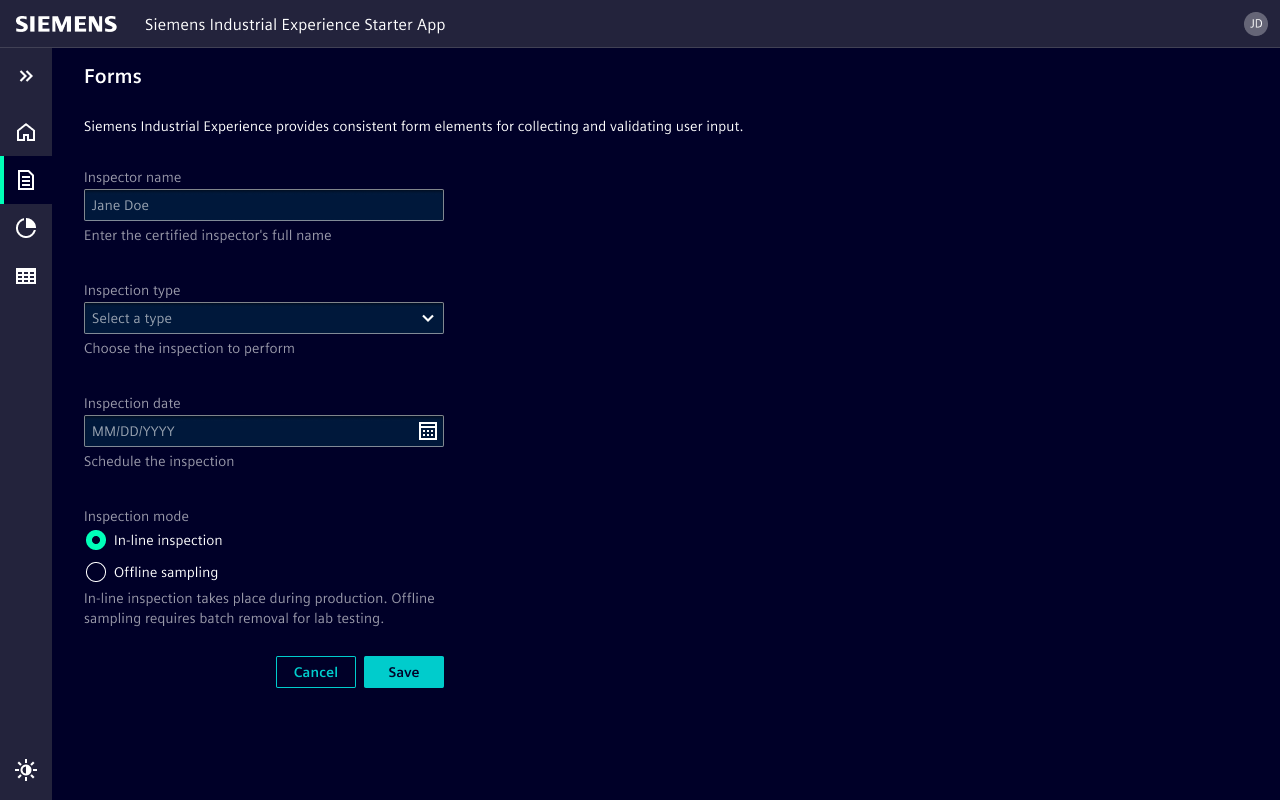
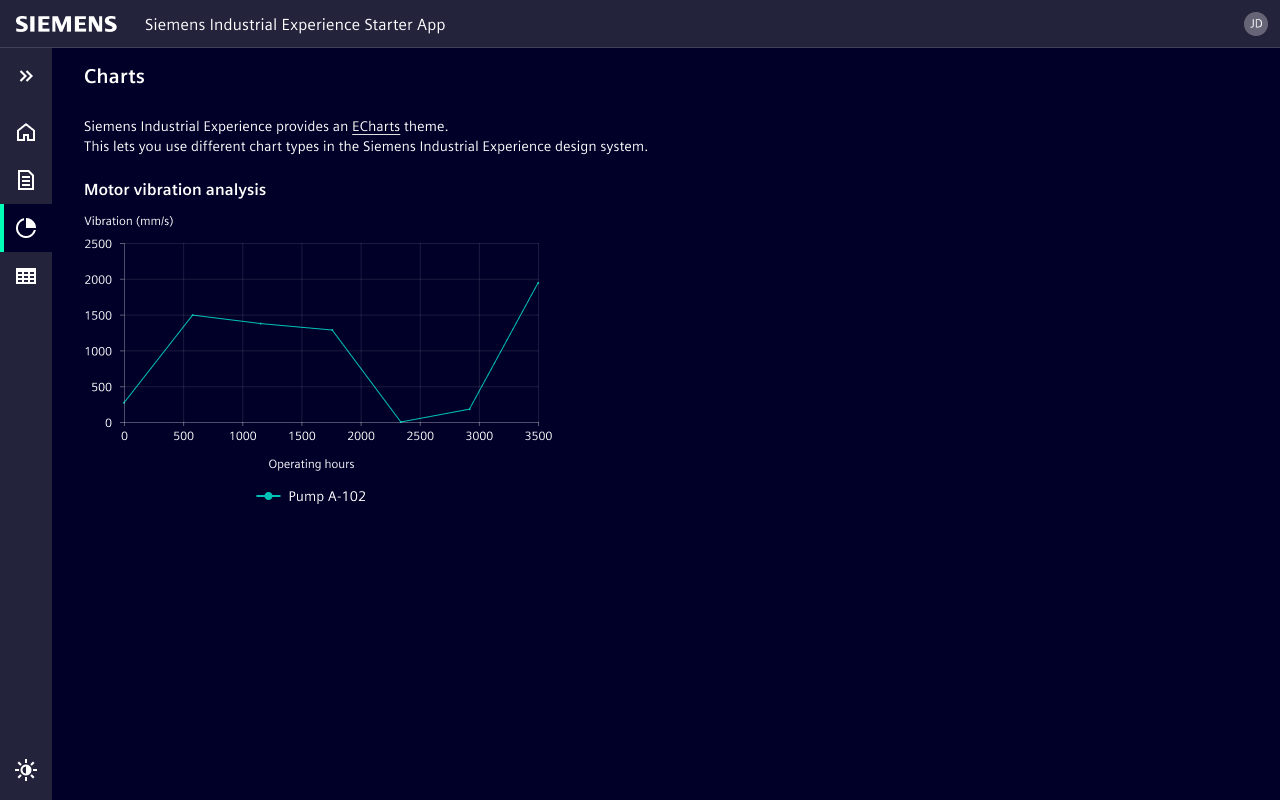
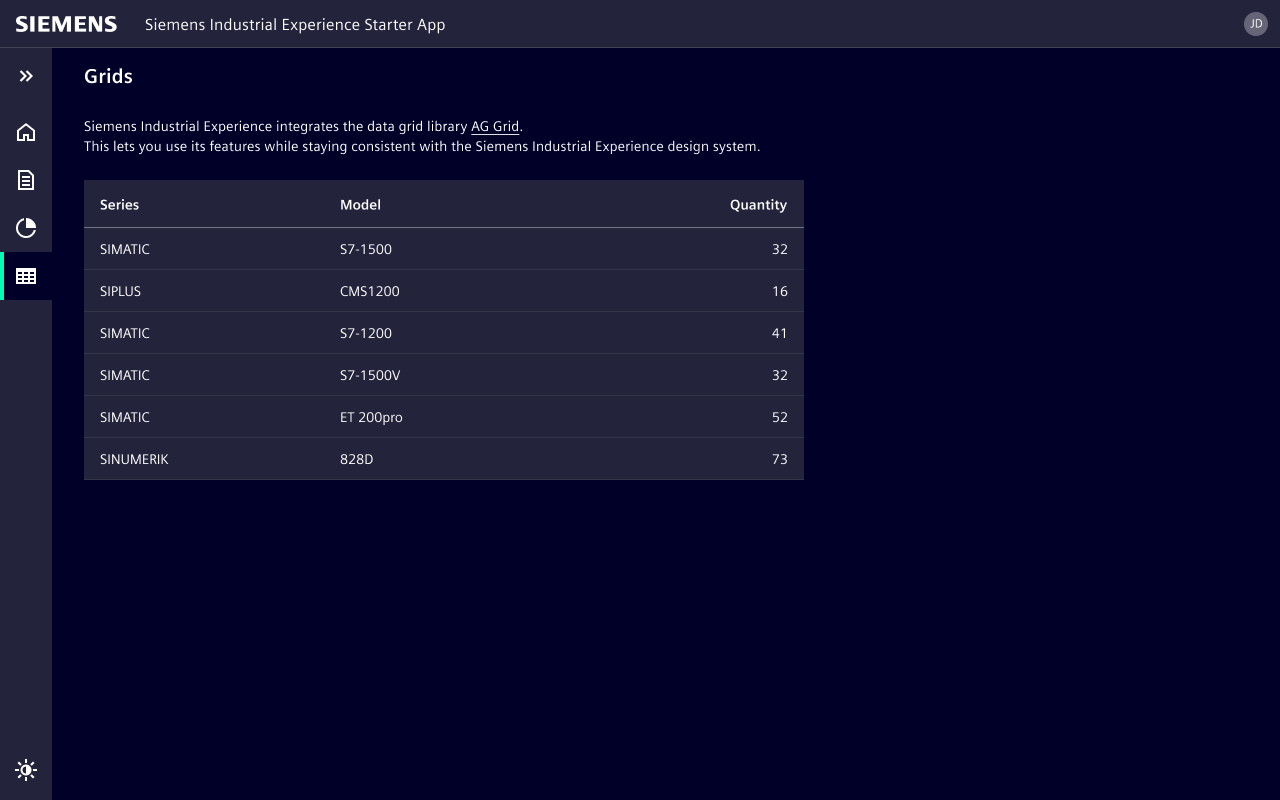
The starter apps include an application shell and example pages featuring:
- Get started
- Forms
- Charts with ECharts and the iX theme
- Grids with AG Grid and the iX theme
- Theme toggle for light and dark mode
Frameworks
Choose a framework and scaffold the starter app into a new project folder.
Angular
Source: apps/angular-starter
- npx
- pnpx
npx degit siemens/ix-starter/apps/angular-starter my-ix-angular-app
pnpx degit siemens/ix-starter/apps/angular-starter my-ix-angular-app
React
Source: apps/react-starter
- npx
- pnpx
npx degit siemens/ix-starter/apps/react-starter my-ix-react-app
pnpx degit siemens/ix-starter/apps/react-starter my-ix-react-app
Vue
Source: apps/vue-starter
- npx
- pnpx
npx degit siemens/ix-starter/apps/vue-starter my-ix-vue-app
pnpx degit siemens/ix-starter/apps/vue-starter my-ix-vue-app
The current starter version is available from main. To scaffold an older version, append the repository tag to the starter source, for example:
- npx
- pnpx
npx degit siemens/ix-starter/apps/react-starter#v5.0.0 my-ix-react-app
pnpx degit siemens/ix-starter/apps/react-starter#v5.0.0 my-ix-react-app
After scaffolding a starter app, install dependencies and start the development server from the generated project folder.
cd my-ix-react-app
pnpm install
pnpm dev
Use the generated folder name from your selected command, for example my-ix-vue-app or my-ix-angular-app.